Scam Advice (Fraudulent SIM Swap)
SIM swap fraud
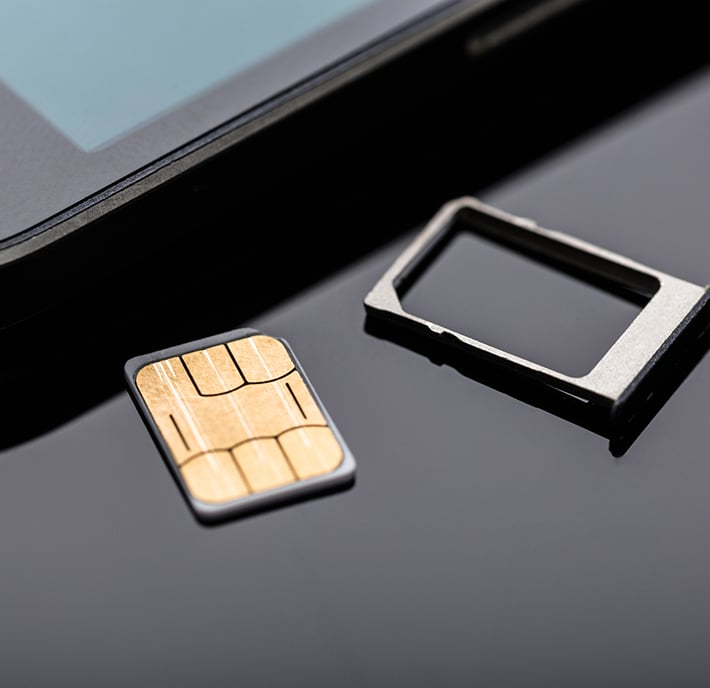
SIM swap fraud starts when a scammer convinces your operator to move your number to another SIM or eSIM. They can then receive your calls and text messages, including one-time codes. With those codes, they may try to access your email, bank or other accounts.

The setup
Gathered via phishing or data breaches
The hook
Name, DOB, Address, Account PIN

The goal
Bank OTPs and password resets now go straight to the attacker.
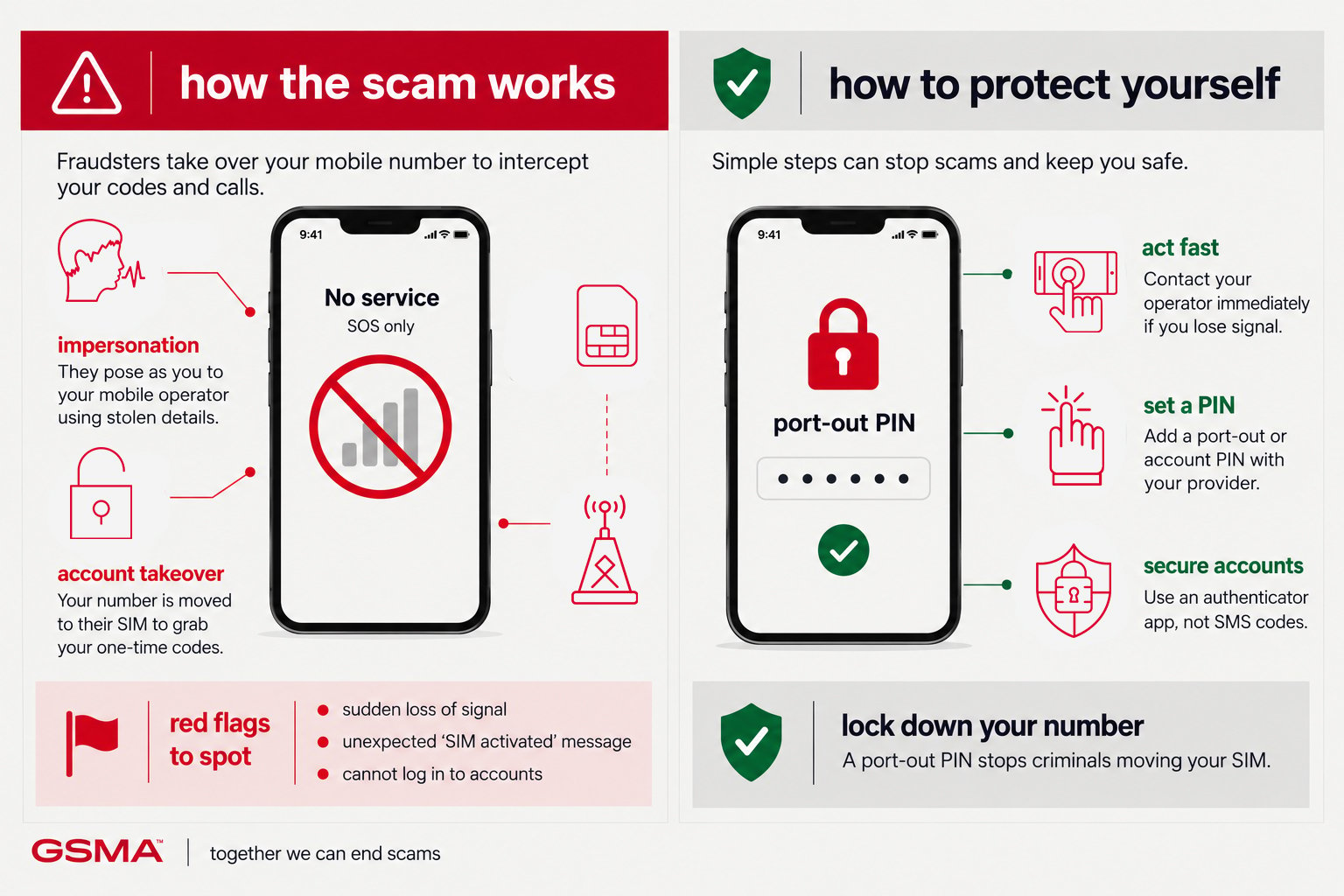
How the scam works
Scammers rely on urgency and trust. They create time pressure so you act before verifying, and they impersonate a sender you’d normally trust without a second thought.
- Your phone suddenly loses signal or shows ‘no service’ with no explanation
- You stop receiving calls or texts you were expecting
- You get an SMS confirming a SIM or number change you didn’t request
- Account alerts arrive for logins or password resets you didn’t initiate
How to protect yourself
- Add a PIN or passcode to your mobile account that’s required for any SIM change
- Avoid using SMS as your only two-factor method — use an authenticator app where possible
- Be cautious what personal details you share publicly (DOB, address) — these are used to pass identity checks
- Ask your bank whether it checks for recent SIM changes before approving risky transactions (the GSMA SIM Swap API supports this)
National fraud reporting bodies



Mobile network operators
If you think you’ve been targeted by a scam, tell your mobile operator. Reports help operators protect you and other customers. Always contact them through their official website or app, never through links or numbers in a suspicious message. The operators below are examples only, not a complete list. Your operator will explain how to report the scam and what to do next.