


Scam Advice (Abuse of OTT Messaging Channels)
Abuse of OTT Messaging Channels
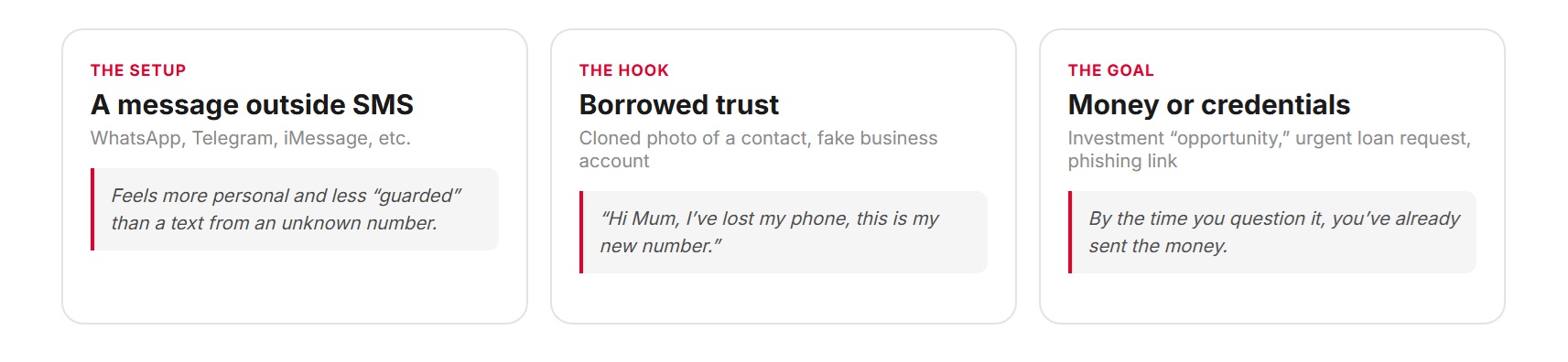
The same scams once confined to SMS now run through WhatsApp, Telegram, iMessage, and other messaging apps — often with added credibility from group chats, verified-looking business accounts, or cloned profile photos of people you know.
How the scam works
Scammers rely on urgency and trust. They create time pressure so you act before verifying, and they impersonate a sender you’d normally trust without a second thought.
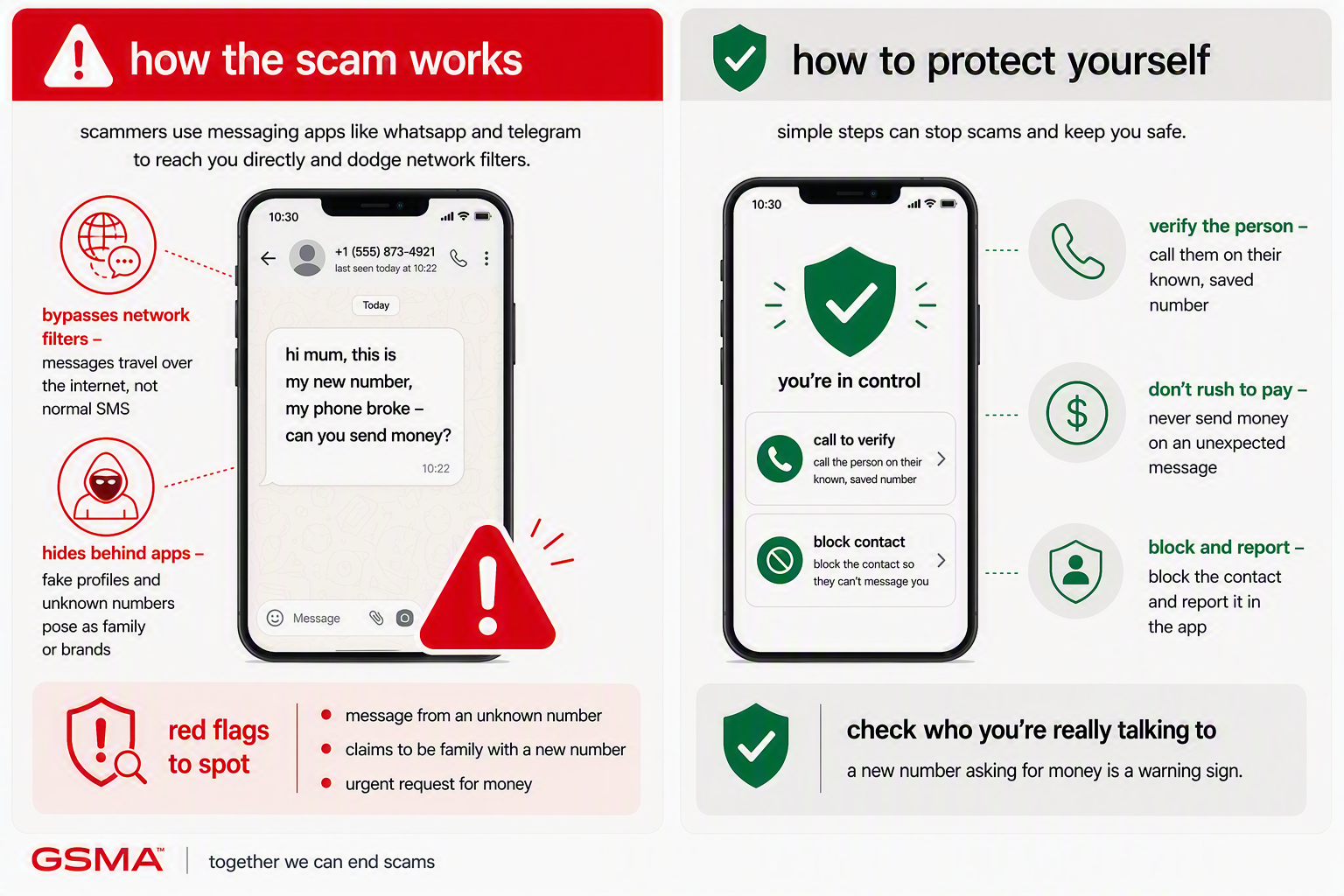
- A contact messages from an unfamiliar number claiming their old one is lost or blocked
- Group chats with unfamiliar business/investment “advisors” pushing opportunities
- A verified-looking business account requesting payment or personal details
- Requests for money that only arrive by message, never by call
How to protect yourself
- Verify any change-of-number claim from a contact via a call to their old number or another channel
- Be wary of unsolicited “investment community” group chats and business accounts
- Check app-level verification badges carefully — they can be spoofed or misused
- Avoid clicking links shared in group chats you didn’t ask to join

If you think you’ve been targeted
- Don’t send money or personal details until you’ve verified the person independently
- If money was sent, contact your bank immediately
- Report the account/profile to the messaging platform
- Warn mutual contacts if a cloned profile is being used
- Report to your national fraud reporting body